01
Agentic task execution
An AI agent loop designed for structured coding tasks, tool-aware execution, and workflow control across analysis, planning, and completion steps.
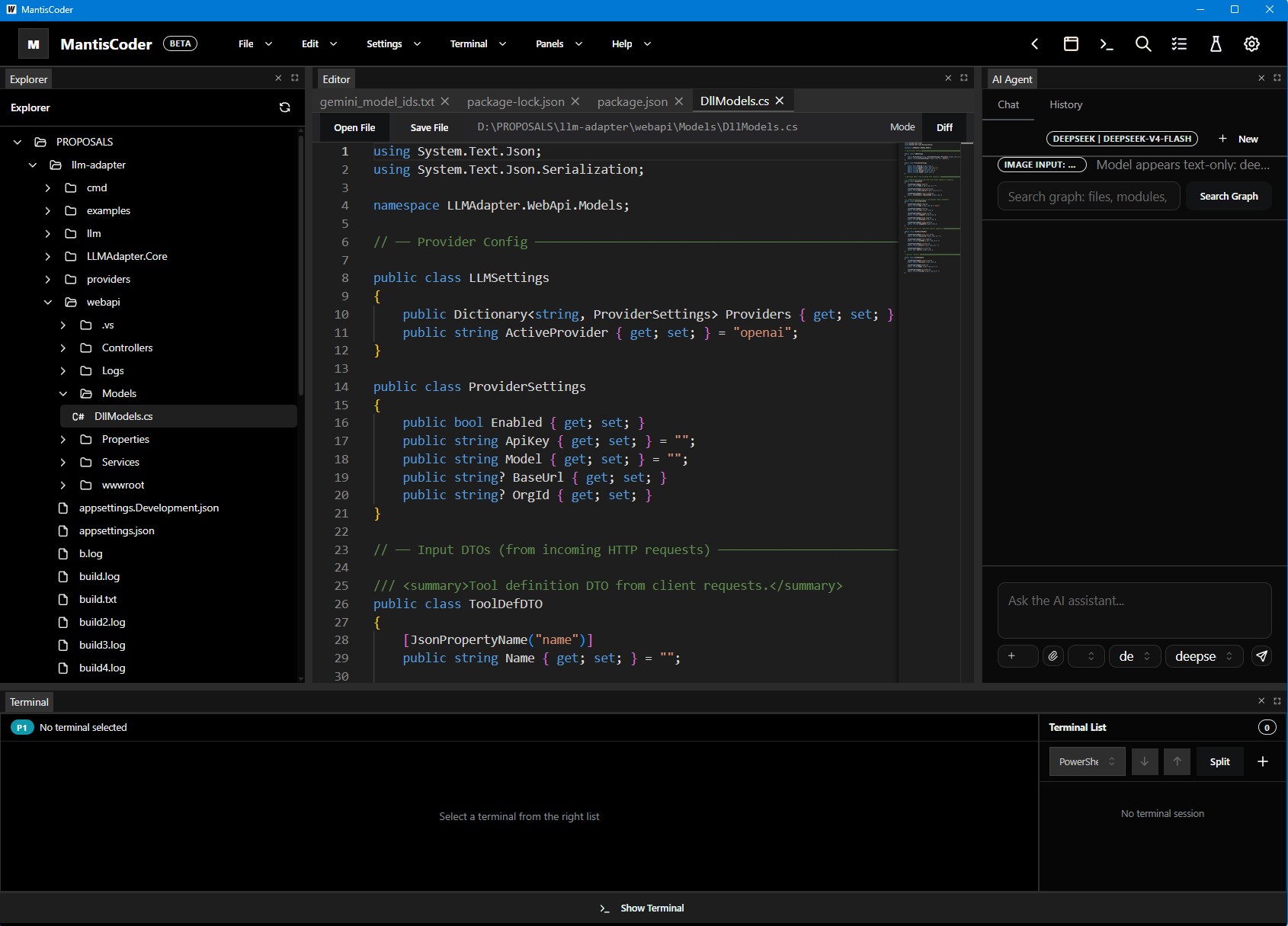
MantisCoder is a desktop-first coding environment built to inspect large codebases, coordinate AI-assisted development, and turn project structure into actionable context. Analysis, prompts, tools, graph exploration, and workspace control — in one focused interface.
MantisCoder researched advanced design principles by itself, explored the internet, and created this site — no template, no manual styling. Watch the full creative process from research to pixel-perfect result.
MantisCoder brings together a desktop UI, AI task routing, local project analysis, browser automation, terminal integration, and structured prompt management. The goal is simple: give engineers a sharper environment for understanding systems before they change them.
Inspect the project, enrich it with context, run tools safely, and keep AI interactions grounded in the real workspace.
An AI agent loop designed for structured coding tasks, tool-aware execution, and workflow control across analysis, planning, and completion steps.
System prompts and task rules live in the product surface, shaping assistant behavior and keeping outputs aligned with project constraints.
Tree-based analysis, graph generation, and project intelligence pipelines reveal dependencies, architecture signals, and hidden relationships.
Browser automation, terminal execution, and MCP-oriented tooling let the environment move beyond passive chat and act on the working system.
Project-aware APIs, settings management, embeddings, and shared context keep operations connected to the right workspace and task history.
Built with Go and a native desktop shell, MantisCoder is positioned for local, fast, and controlled engineering workflows — not browser-only experiments.
Inspect, analyze, direct the agent, and review results through visual and operational feedback.
Register a workspace, connect the project root, and establish the local context the agent will use.
Use code analysis and graph views to understand structural relations before deciding.
Execute AI-driven workflows with prompts, rules, tools, and project-aware boundaries in place.
Compare outputs, inspect logs and views, refine instructions, and continue with better context on each pass.
The visual surface highlights the operational parts of MantisCoder — prompt shaping, rule control, graph inspection, dependency analysis, and tool-centric flow.
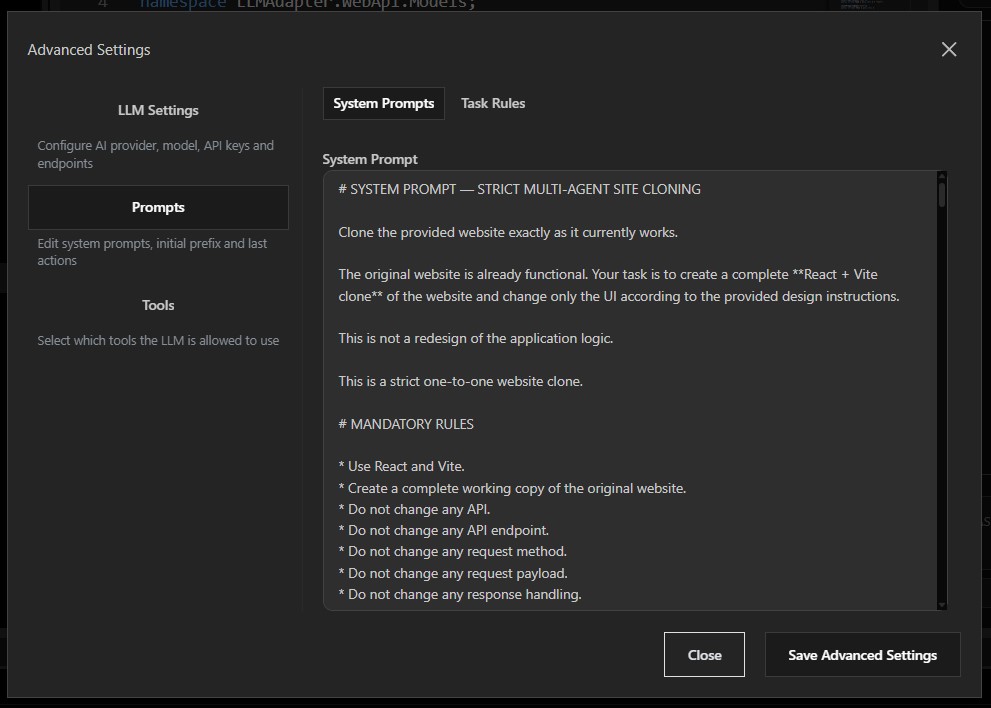
Shape AI behavior with explicit prompt control and keep responses aligned with task goals.
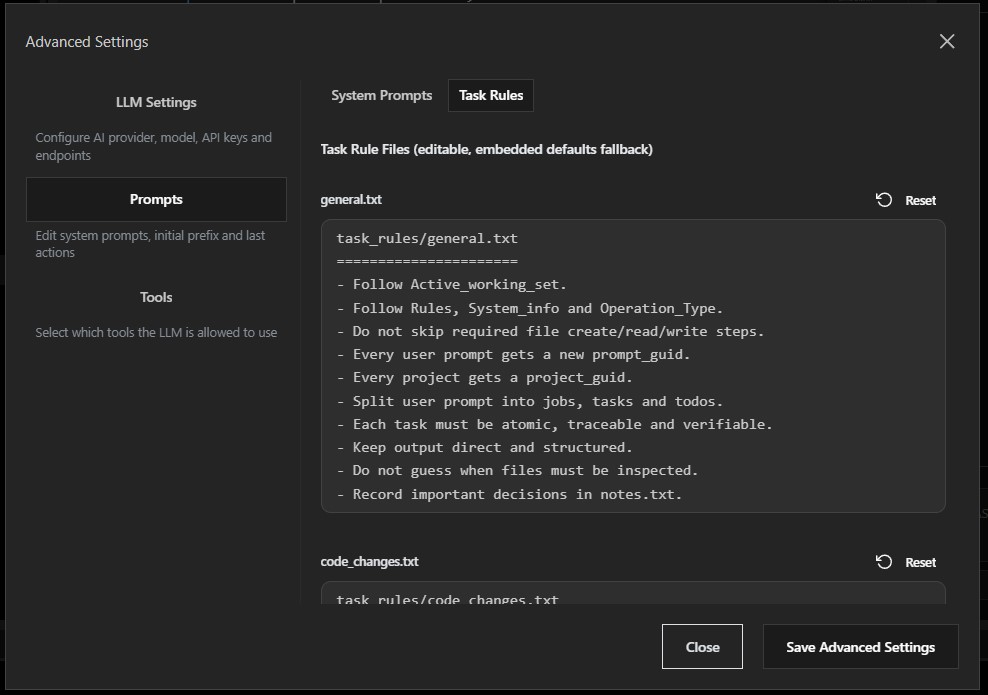
Define operating boundaries and repeatable guidance for safer, more disciplined sessions.
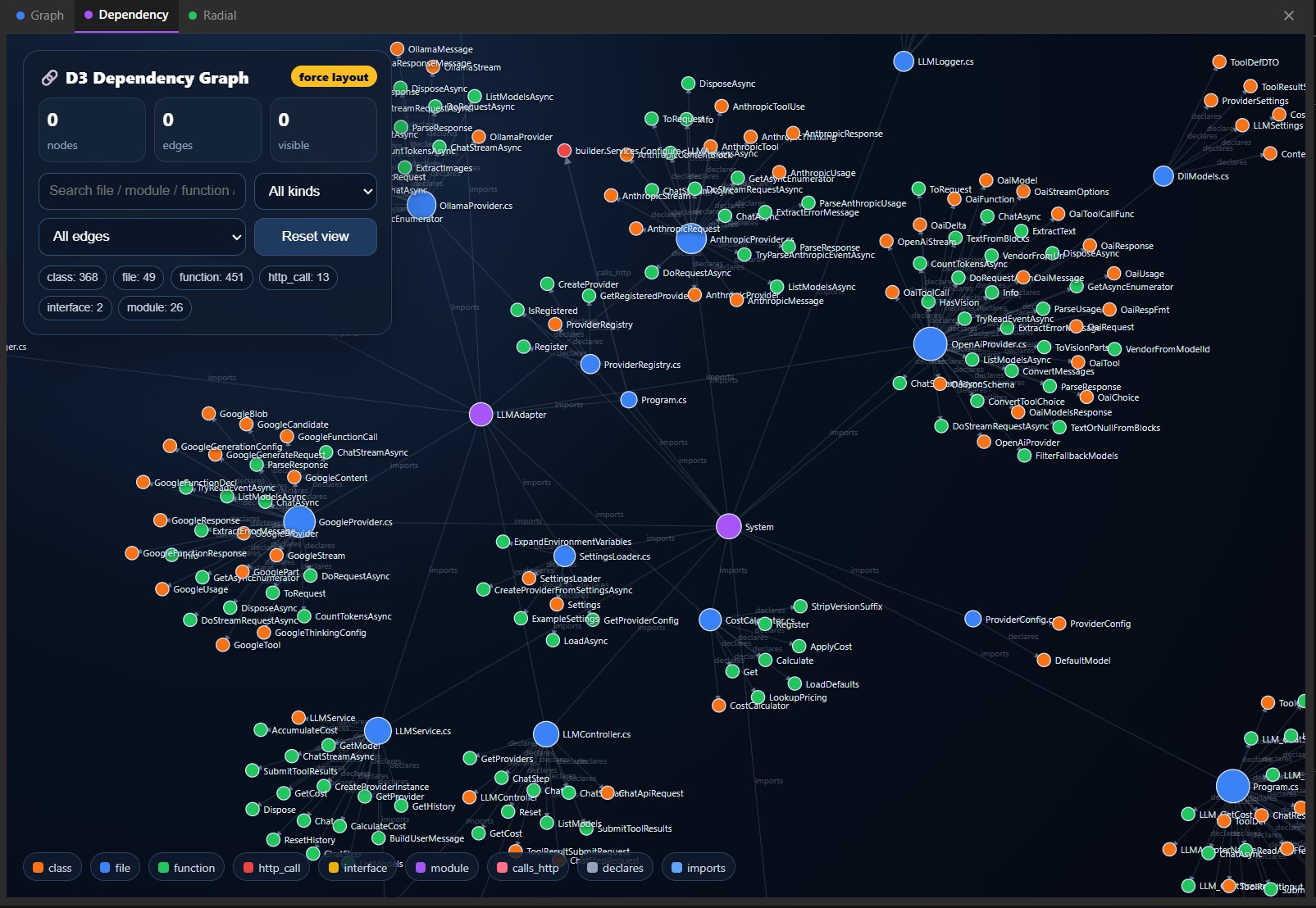
Inspect project relationships and identify structural hotspots through visual dependency mapping.
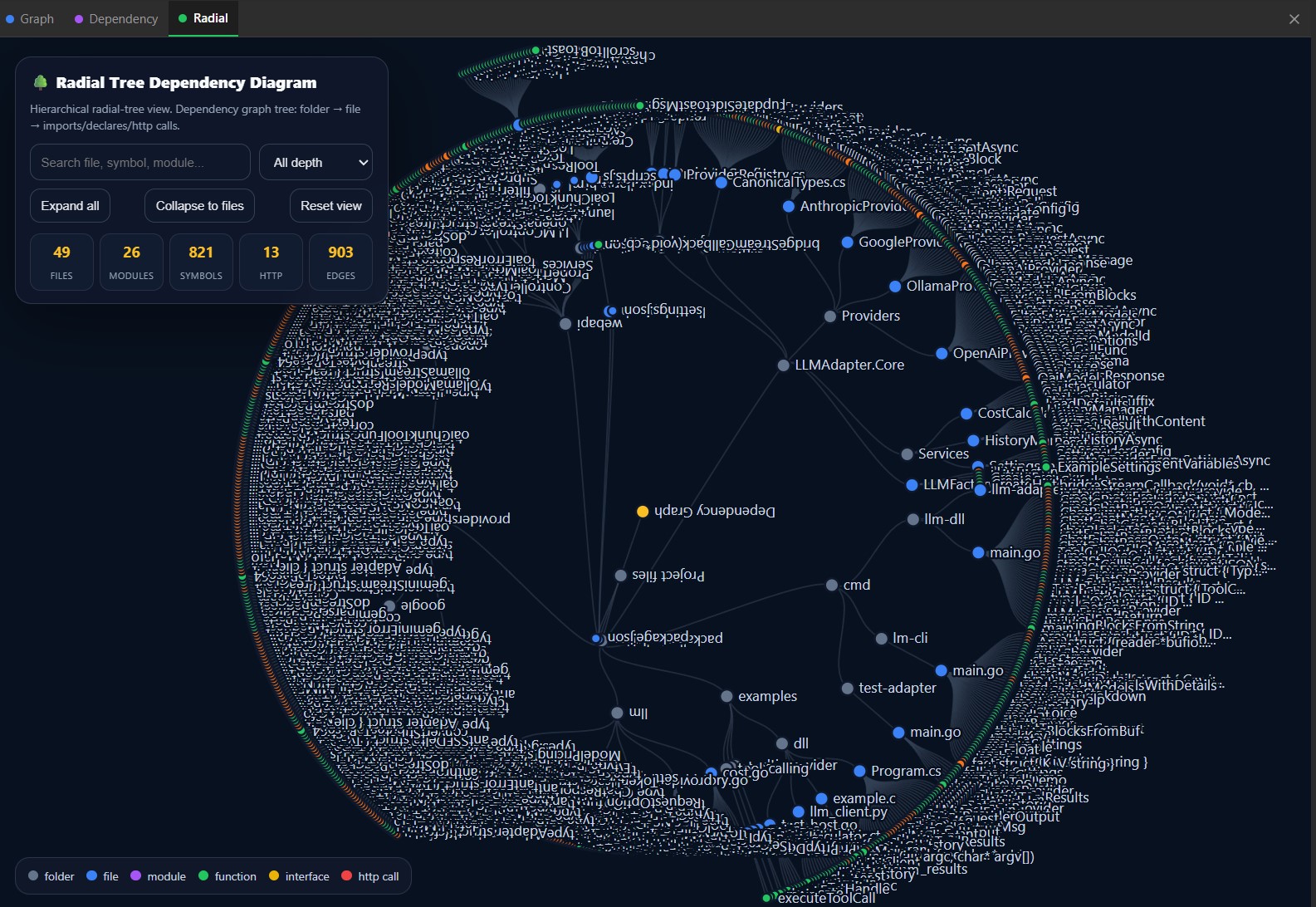
Navigate architecture from a graph-first perspective when system shape matters more than raw files.
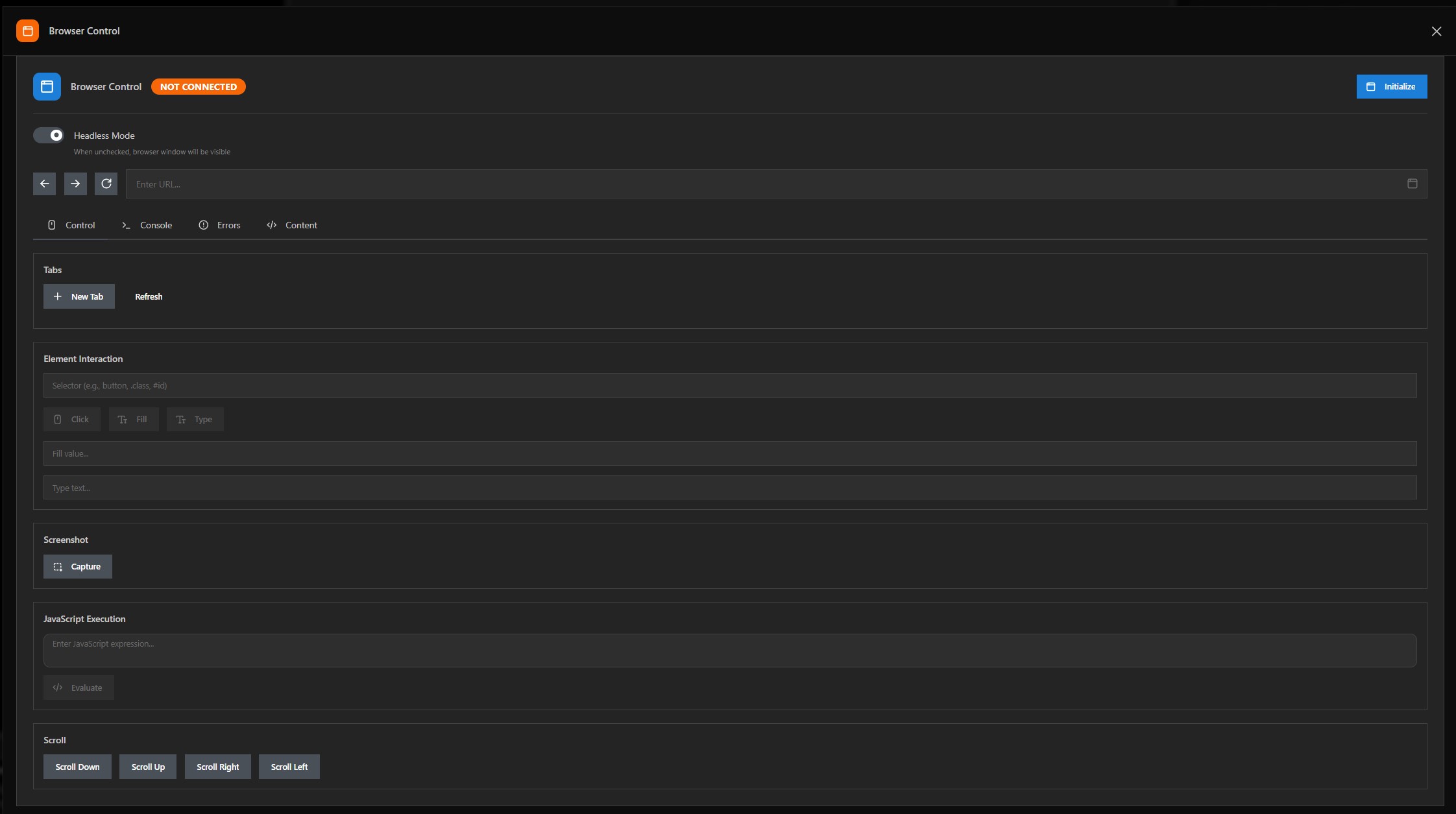
Drive the web directly from the workspace with browser automation and live inspection.
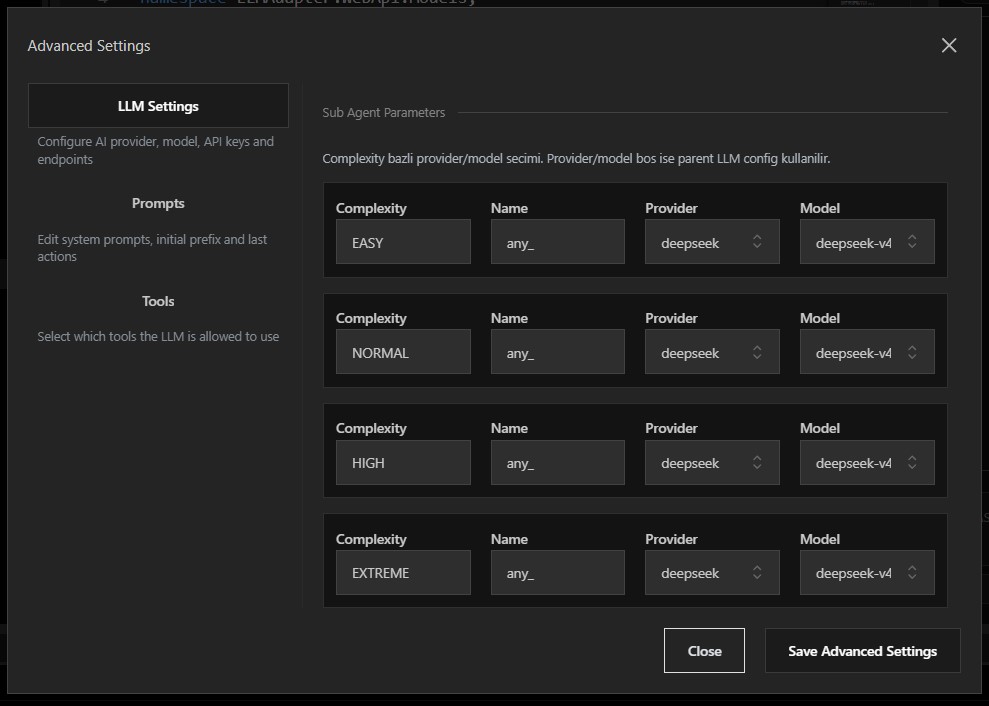
Adjust model-facing settings inside the product rather than hiding them outside the workflow.
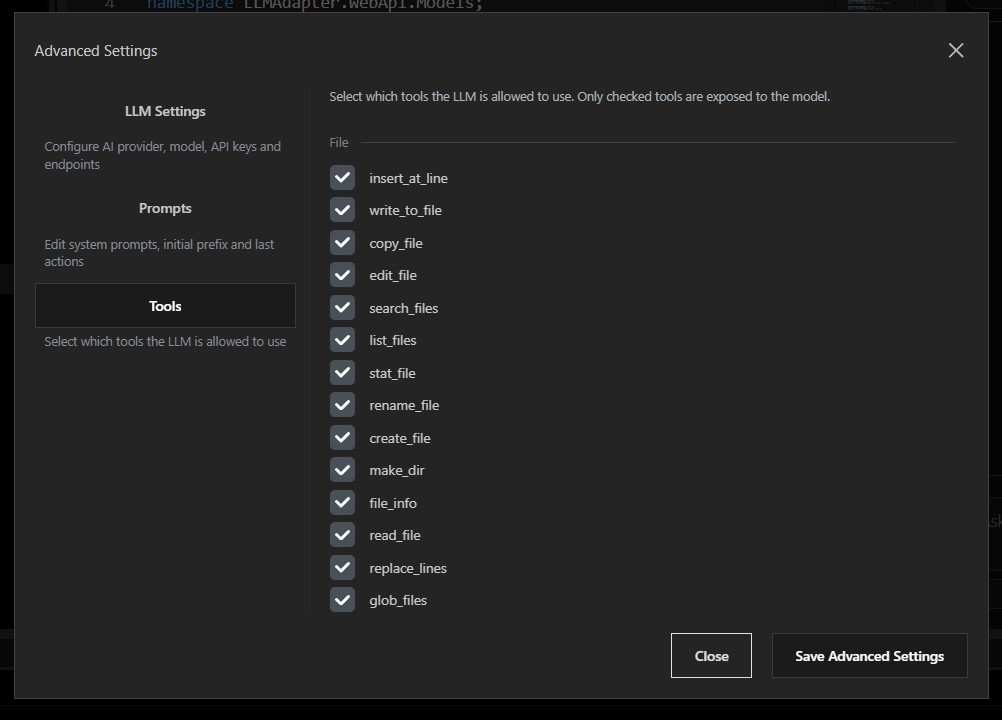
Bring browser actions, terminal execution, and workspace utilities into the same interface.
A closer look at the operational views inside MantisCoder — task control, bug tracking, testing, connectors, and the watching modes that keep agent work in check.
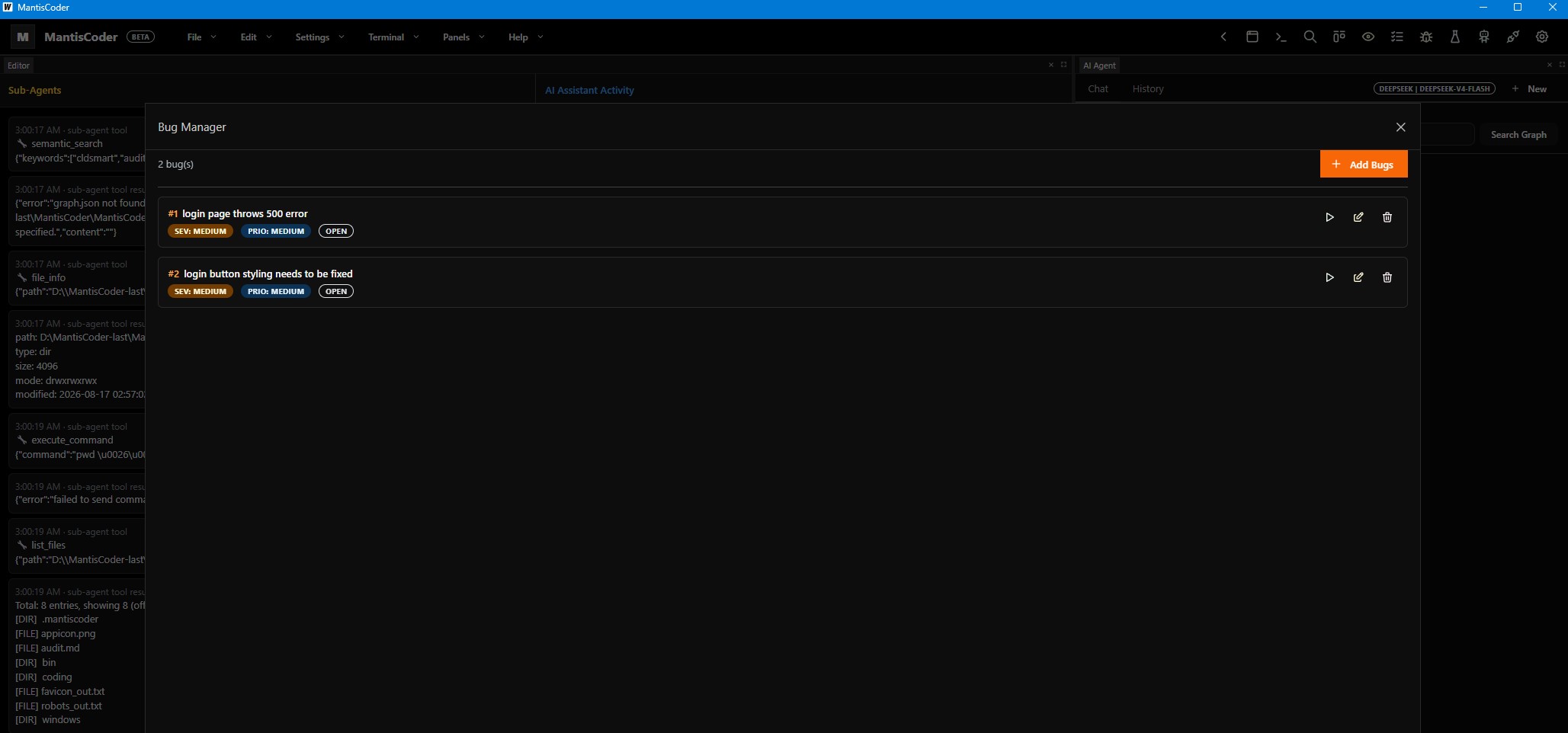
Track, triage, and close issues from a dedicated surface — priorities, statuses, and reproduction context stay visible while you fix them.
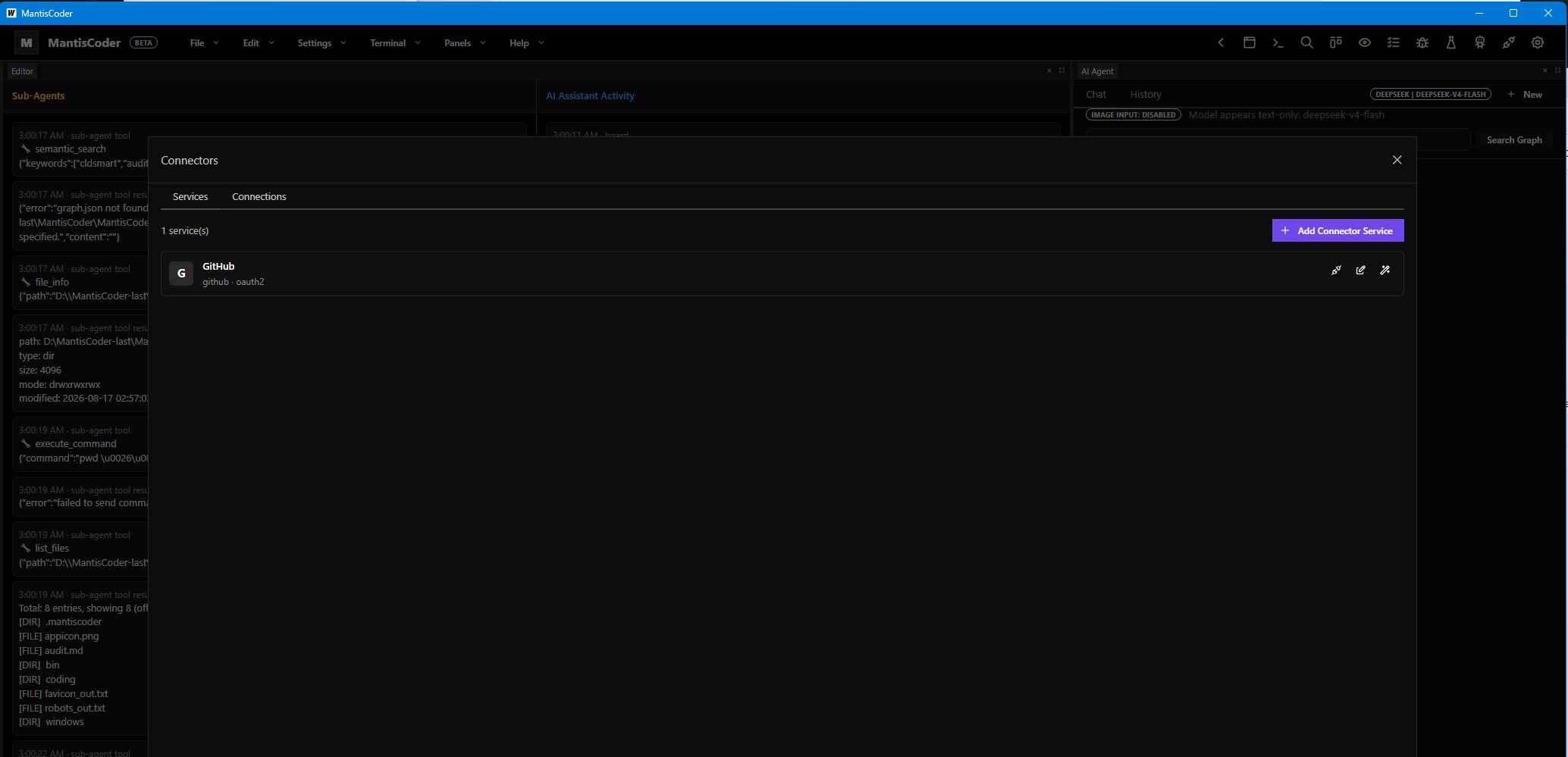
Configure the connectors that link MantisCoder to browsers, terminals, and external services — one place to manage every integration bridge.
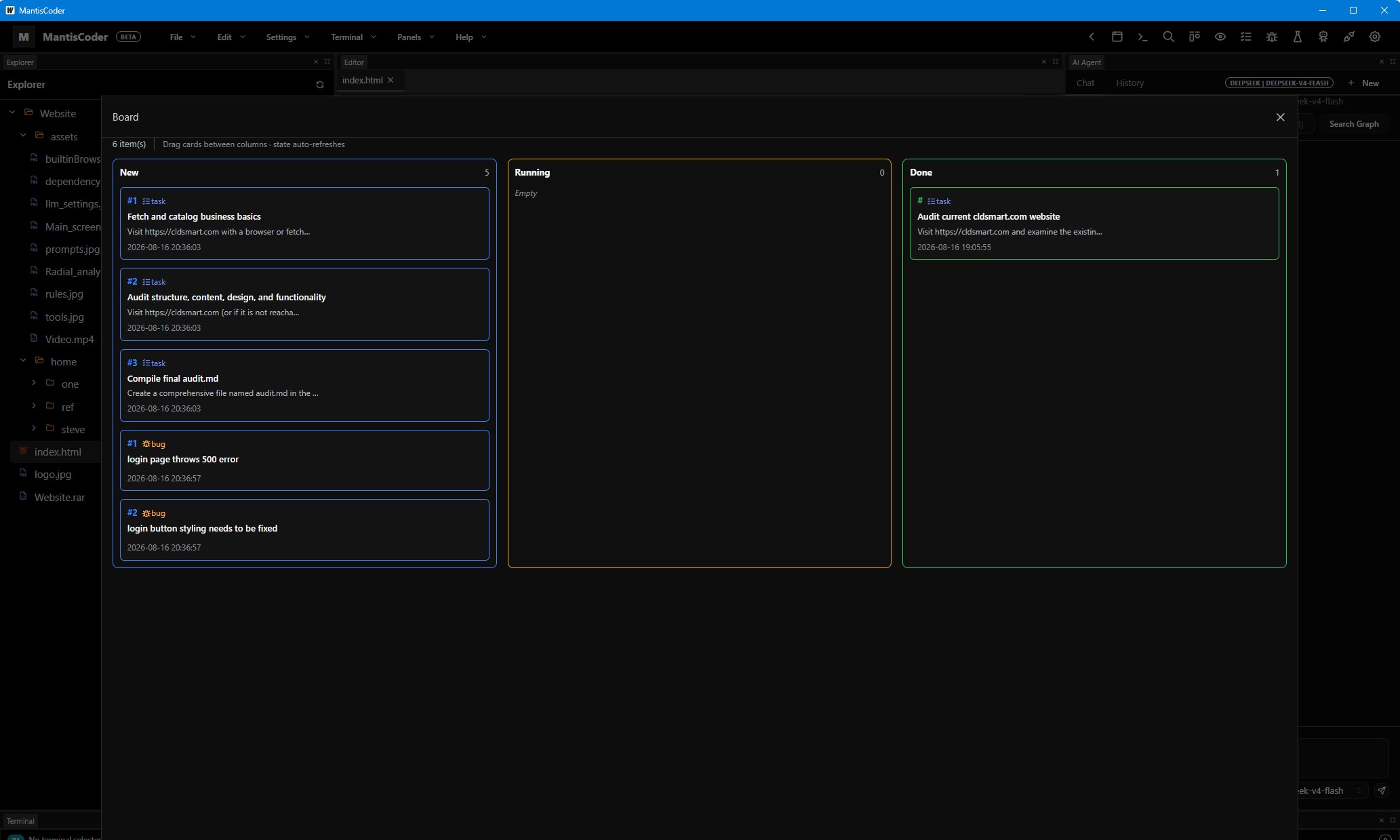
Visualize the full task pipeline on a kanban board — move work across stages and keep development flow clearly in view.
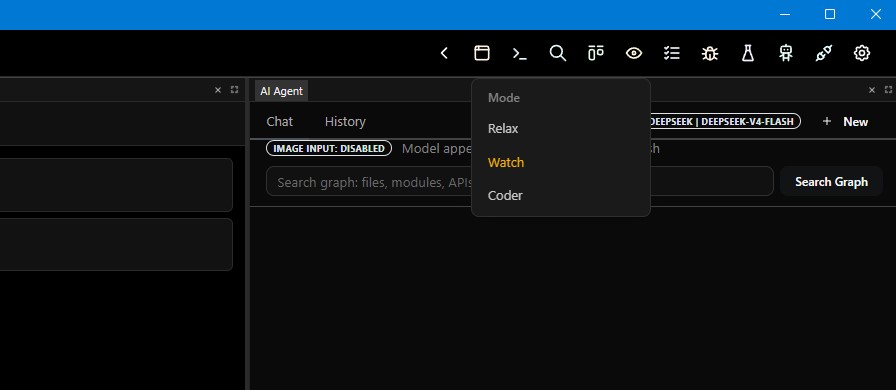
Switch between focused agent modes — relax, watcher, and coder — to tune how deeply MantisCoder engages with your workspace.
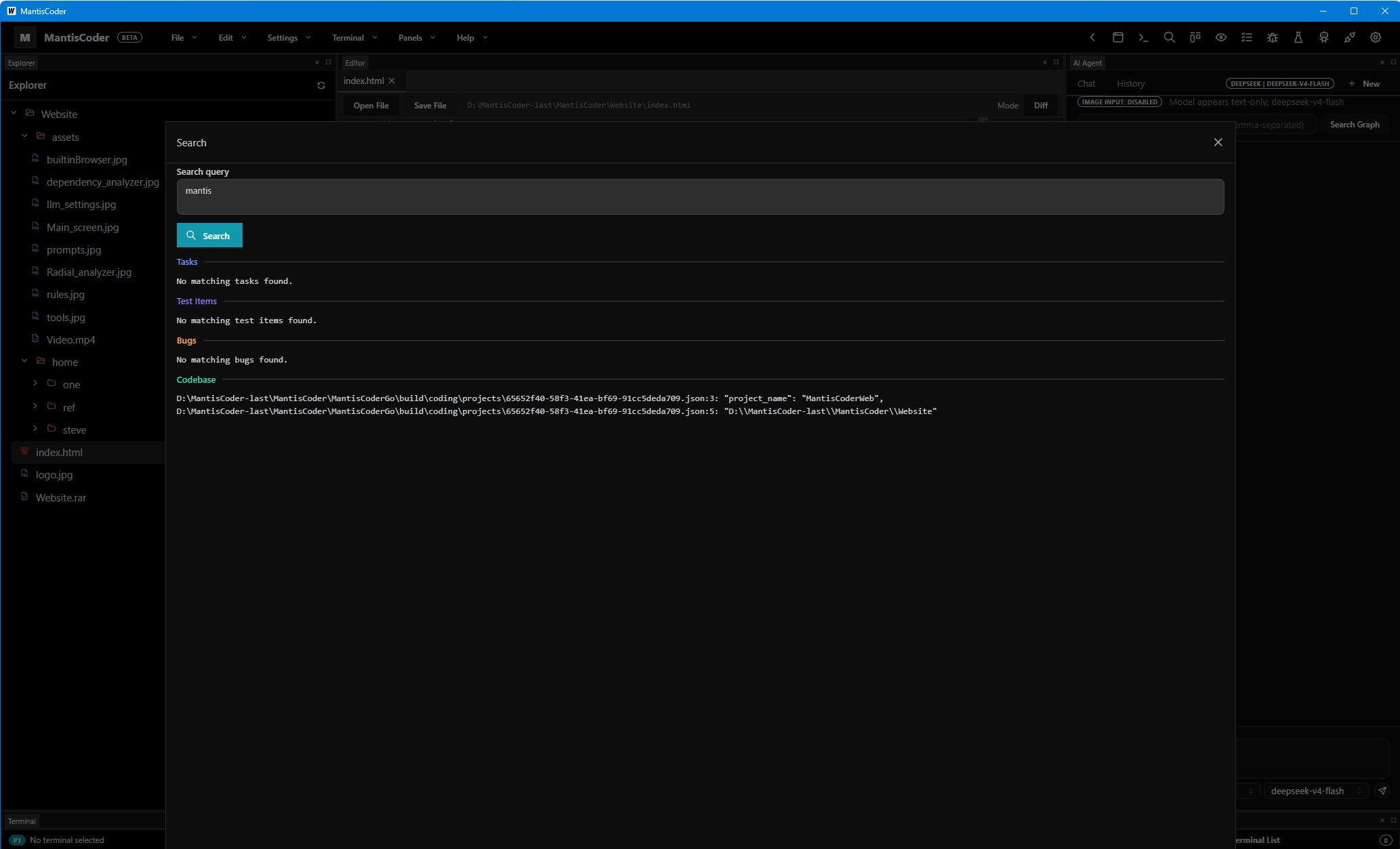
Search across files, jump between tasks, and run targeted bug tests from one centralized operations view.
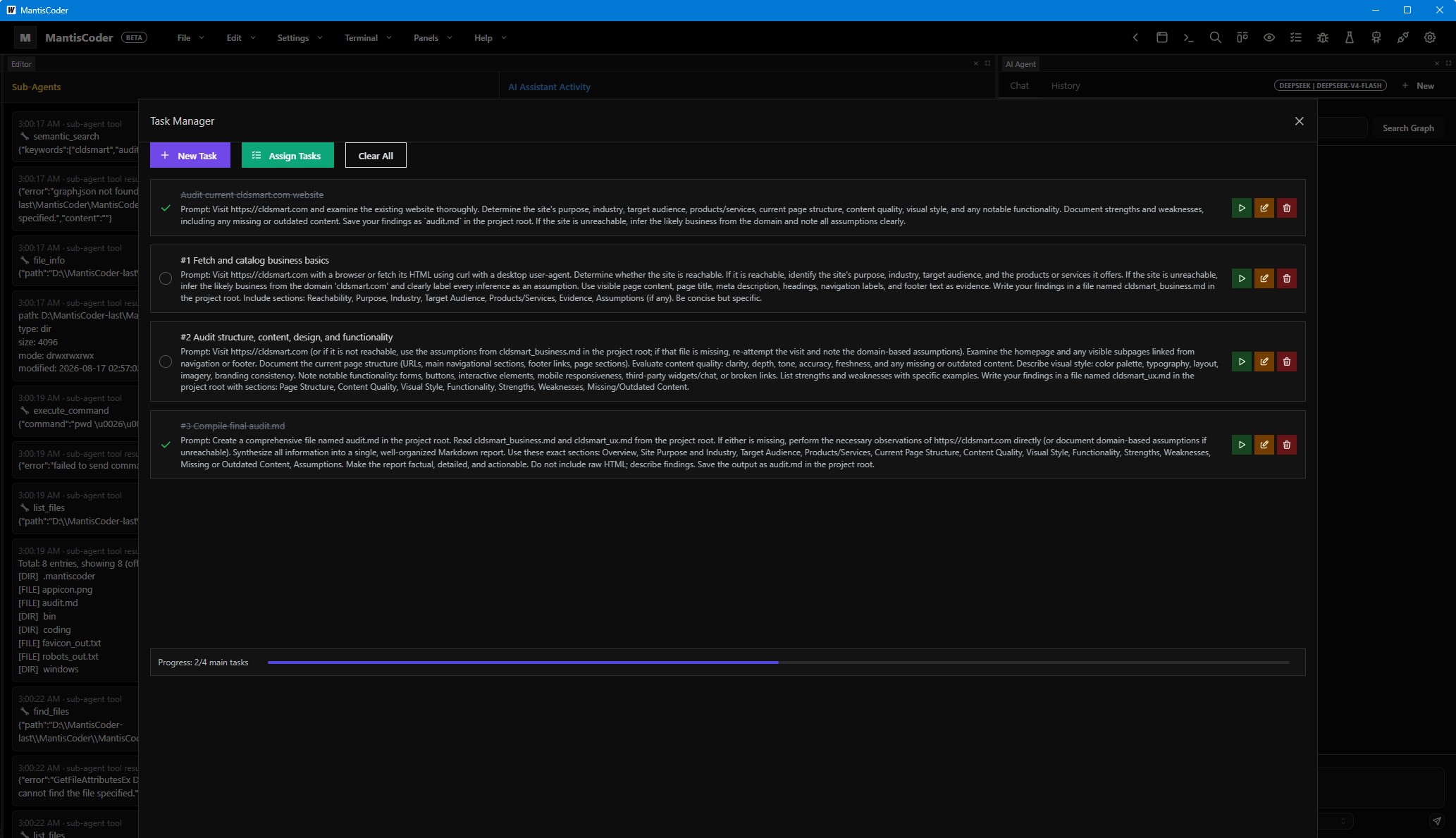
Plan, schedule, and monitor coding tasks with a structured task manager that keeps agent work organized and trackable.
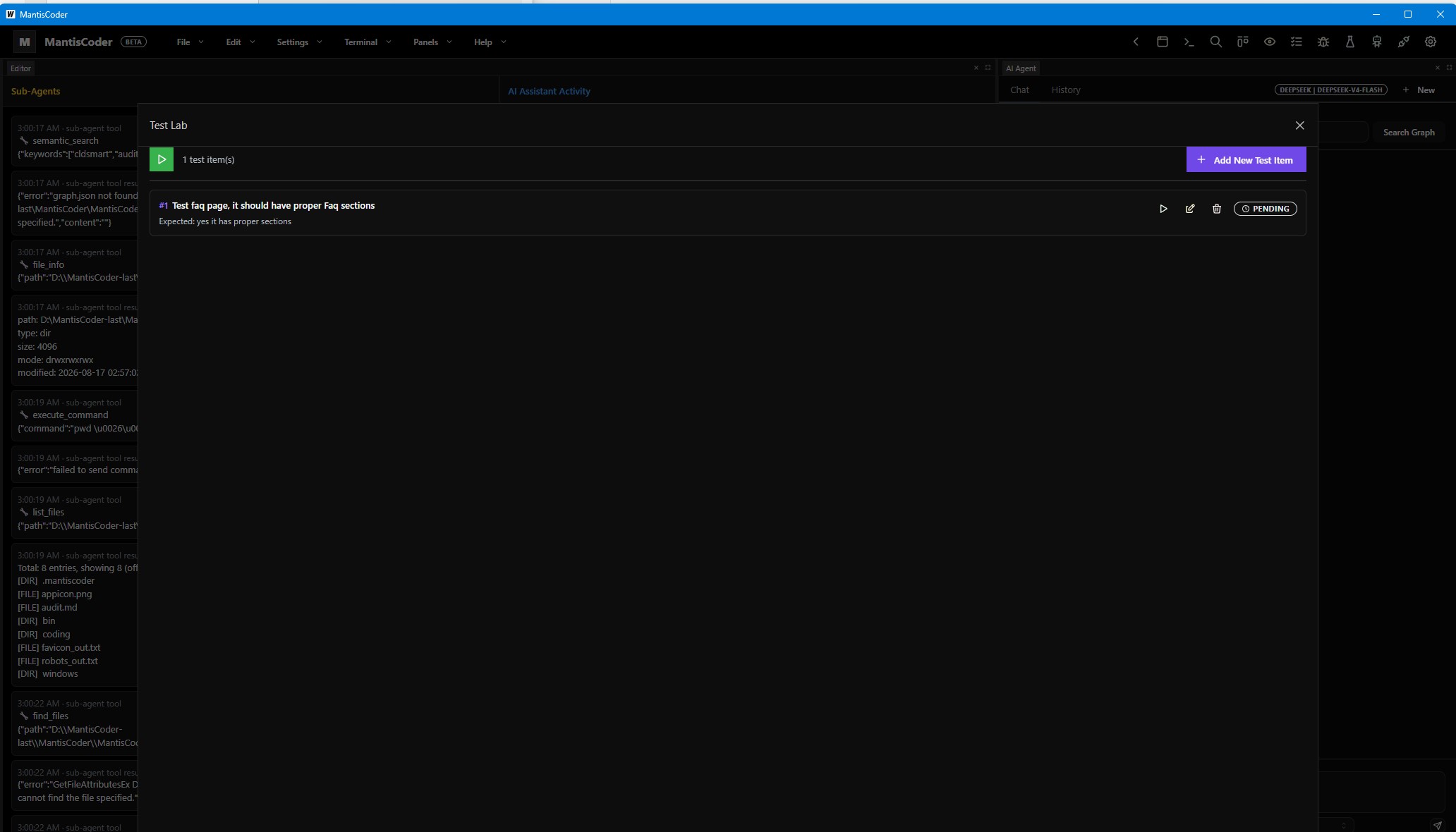
Run and inspect tests in a dedicated lab — verify changes with fast, repeatable execution before shipping.
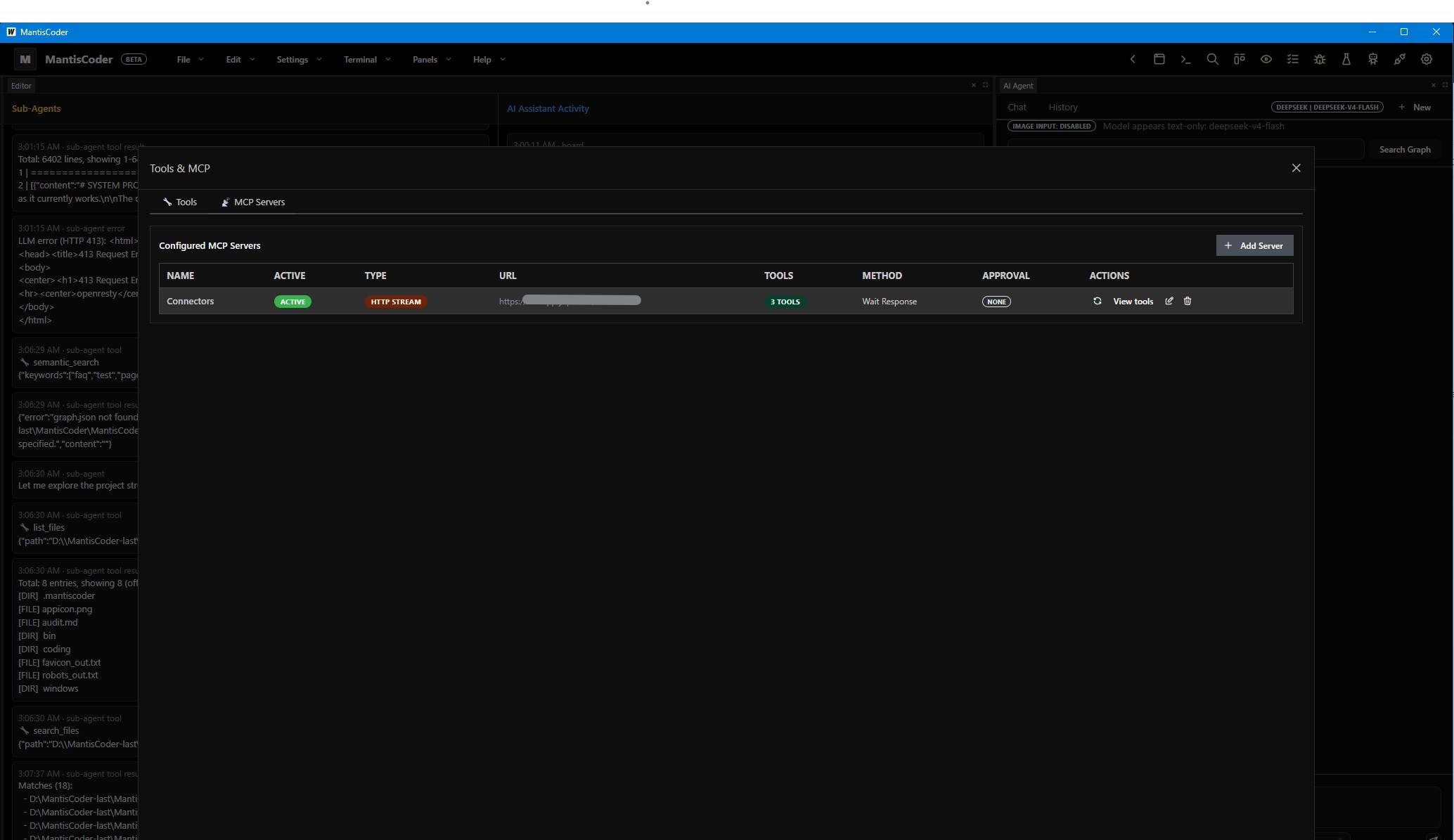
Browse available tools and manage Model Context Protocol connections — the control center for what the agent can reach and execute.
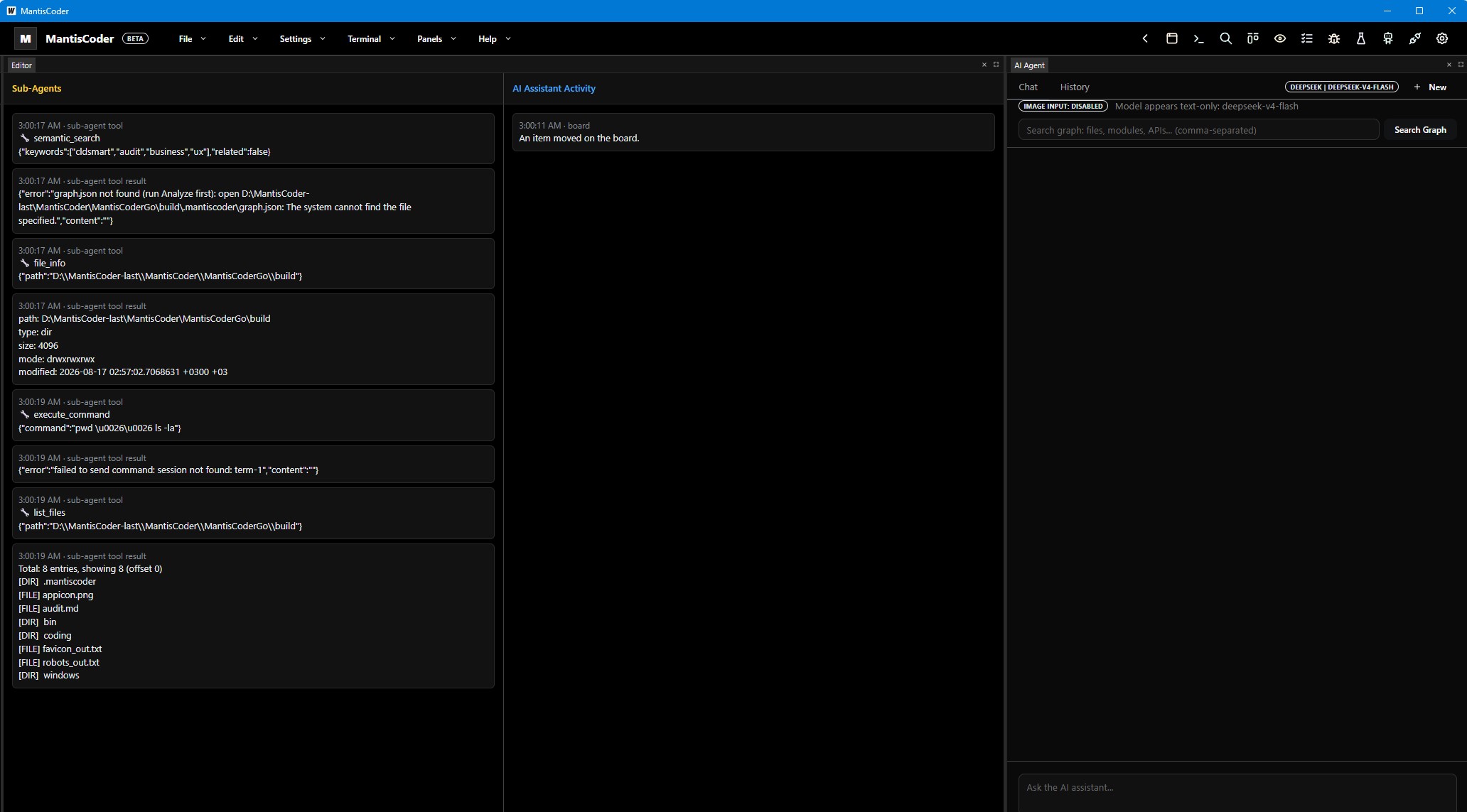
Observe the agent at work with live watching modes — follow tool calls, file edits, and reasoning in real time.
For product conversations, collaboration inquiries, or technical discussion around the MantisCoder platform, reach out directly using the details below.